
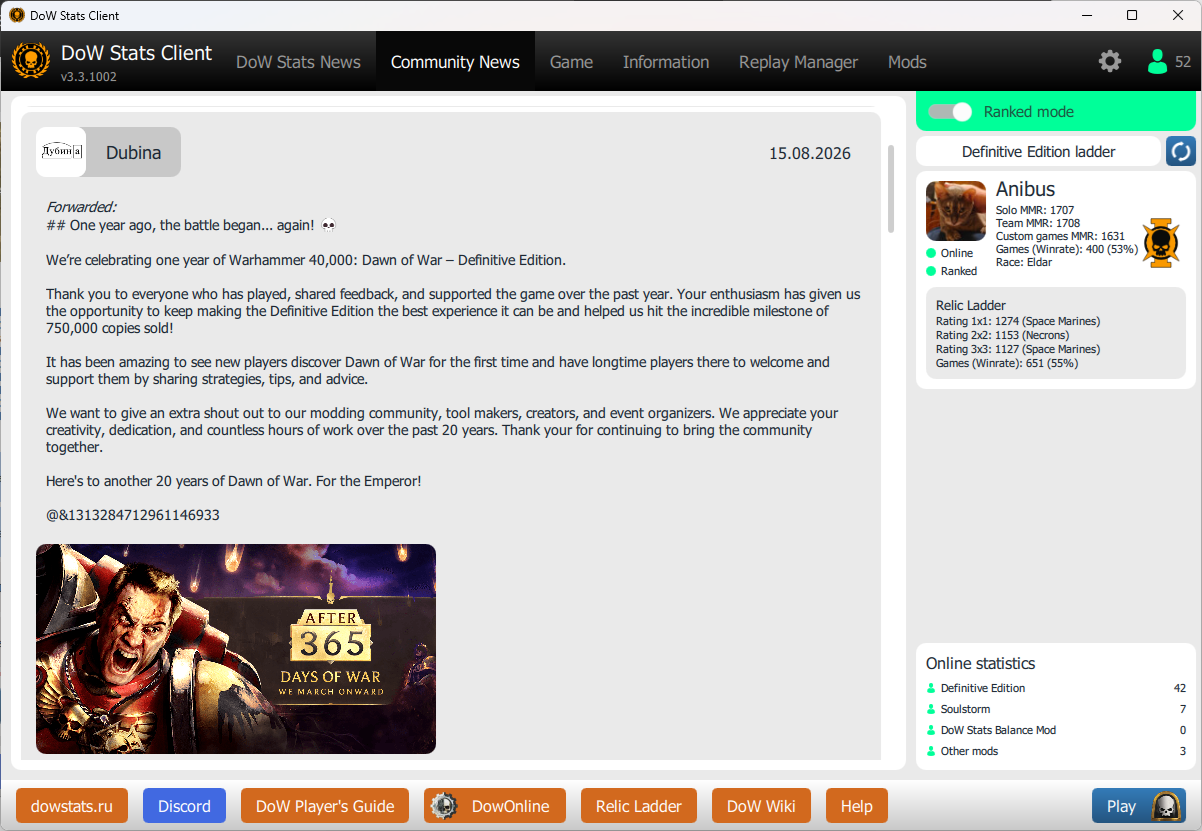
Convenient launcher
Convenient launcher with community news, events and information about game lobby, while Dawn of War 'alt-tabbed'
Convenient launcher with community news, events and information about game lobby, while Dawn of War 'alt-tabbed'
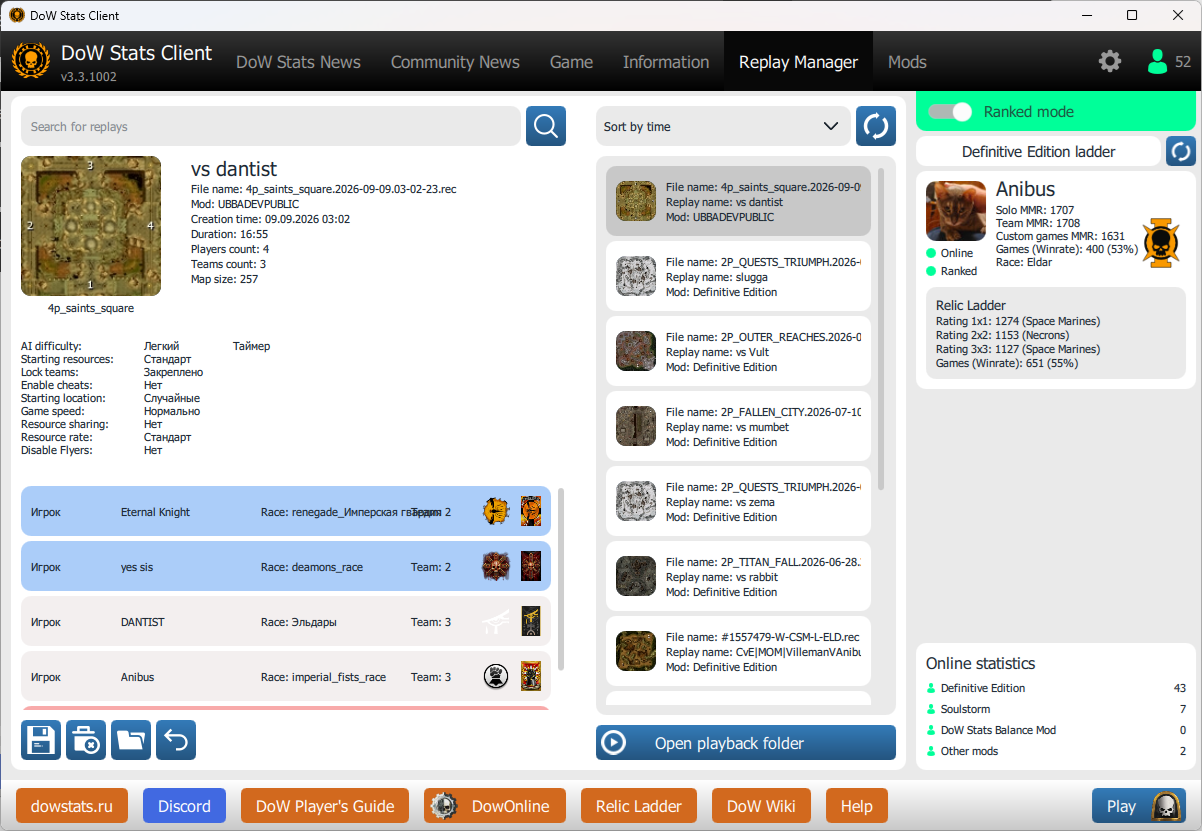
Allow to sort and search local replays, show selected replay information, allow download badge and banners from replay and more
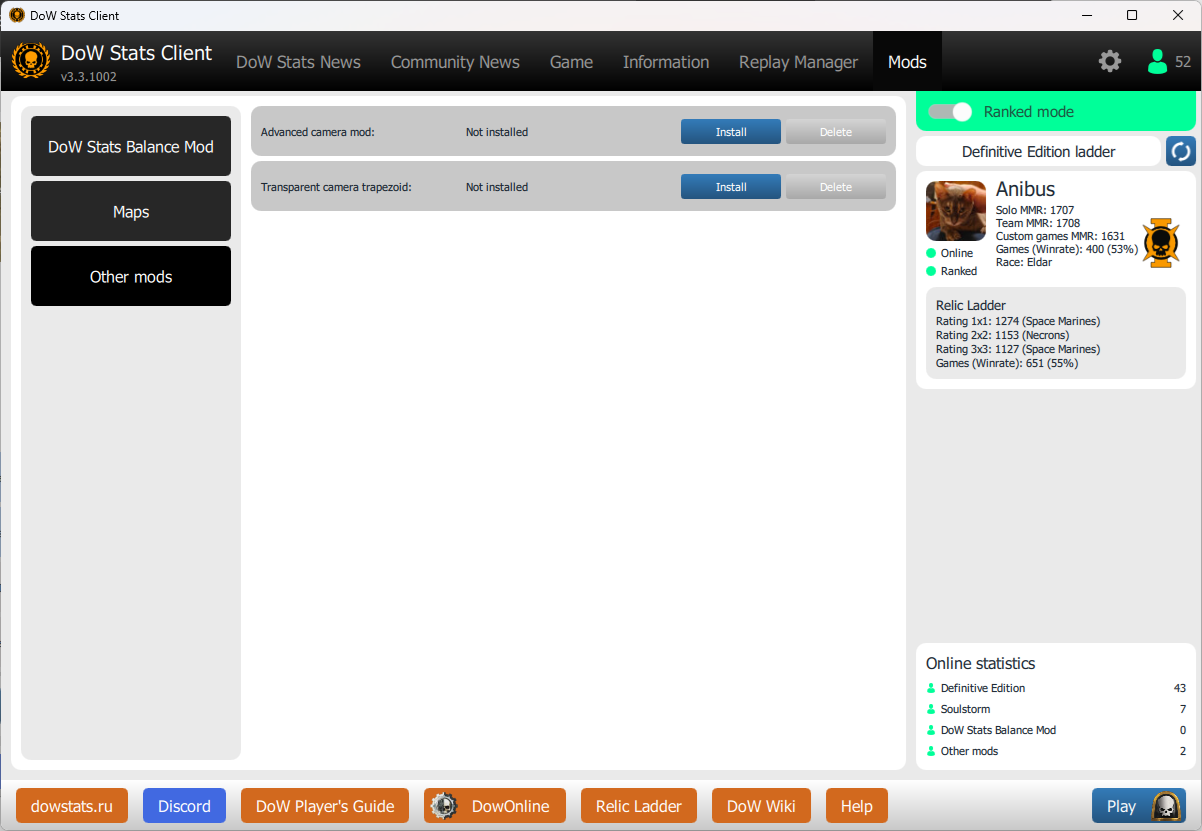
This tab allow to one click install russian fonts, camera mod and grid hotkey
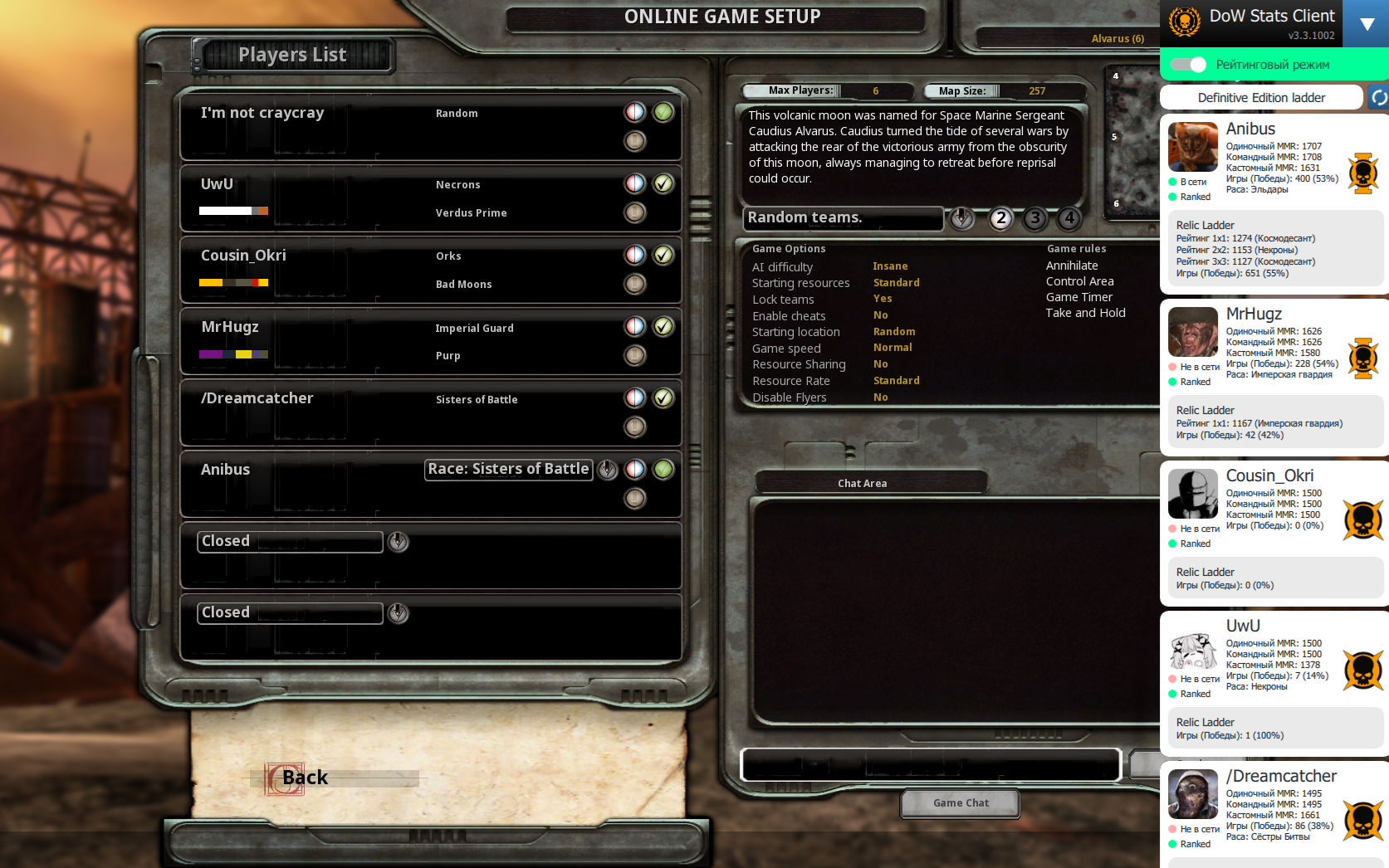
Dowstats client can show players stats, mmr and favorite races. Don't worry, you can hide it to see game information
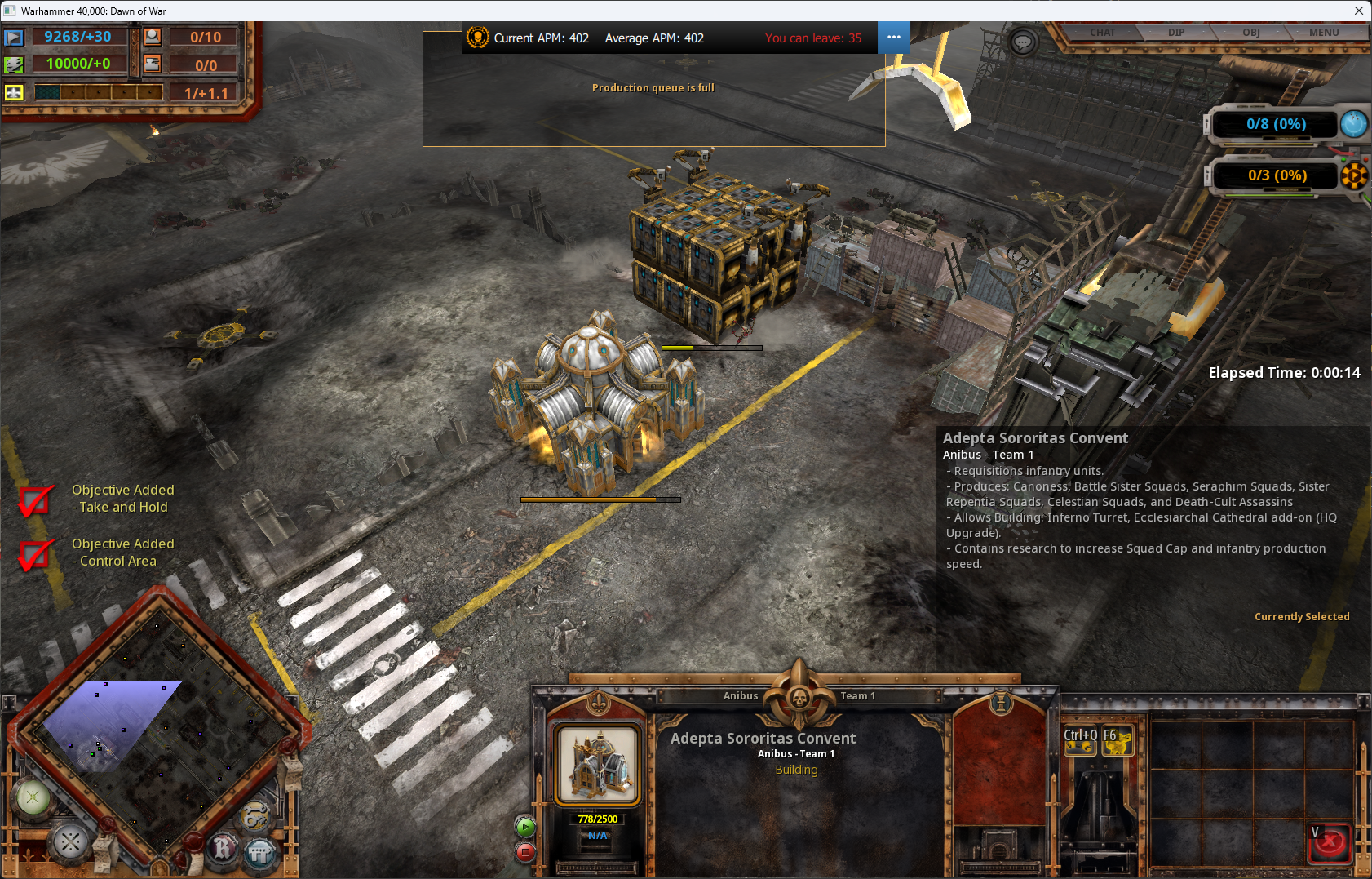
You can see current apm and average apm in current match
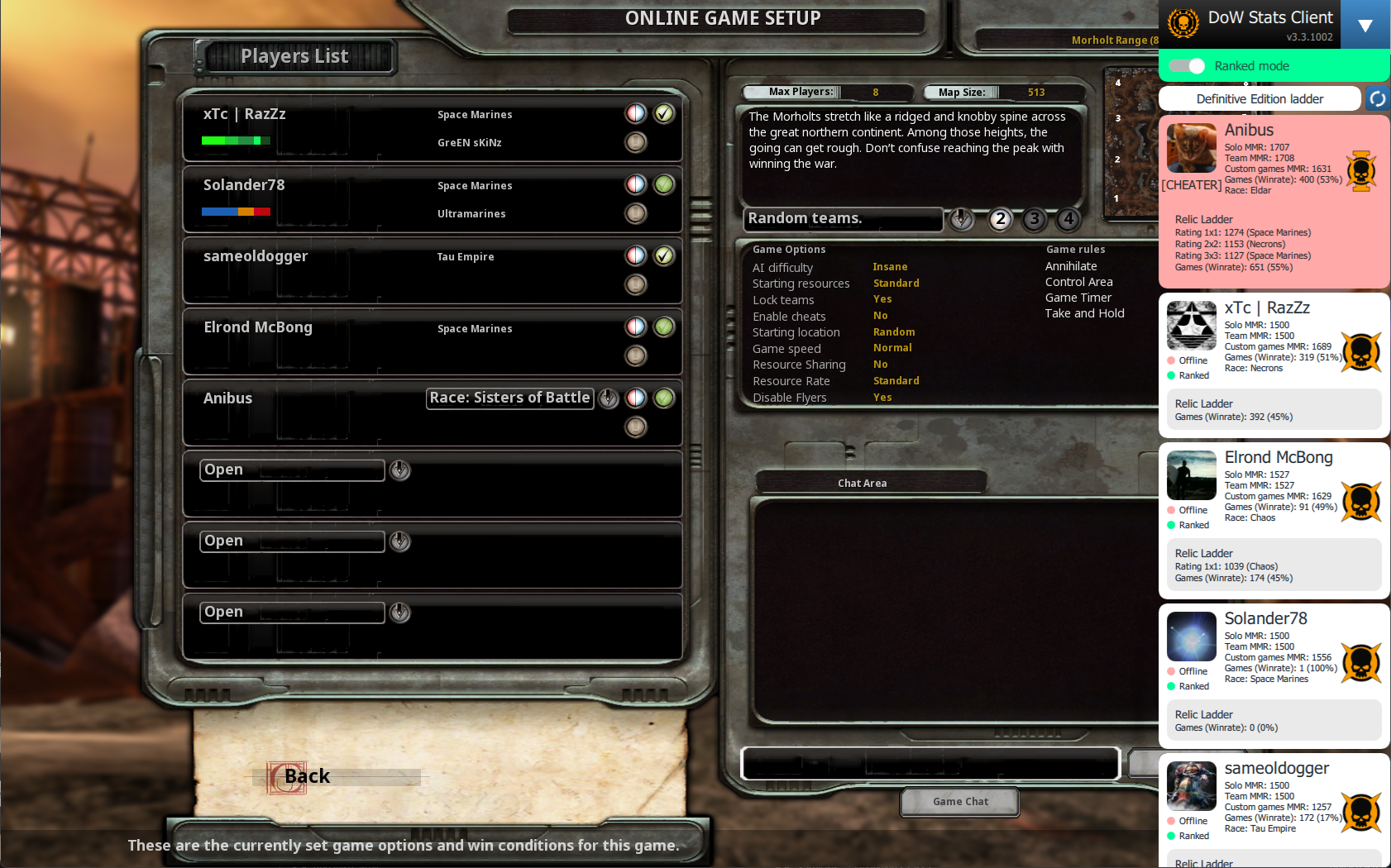
Dowstats client can show unfair players, that uses bugs and cheats
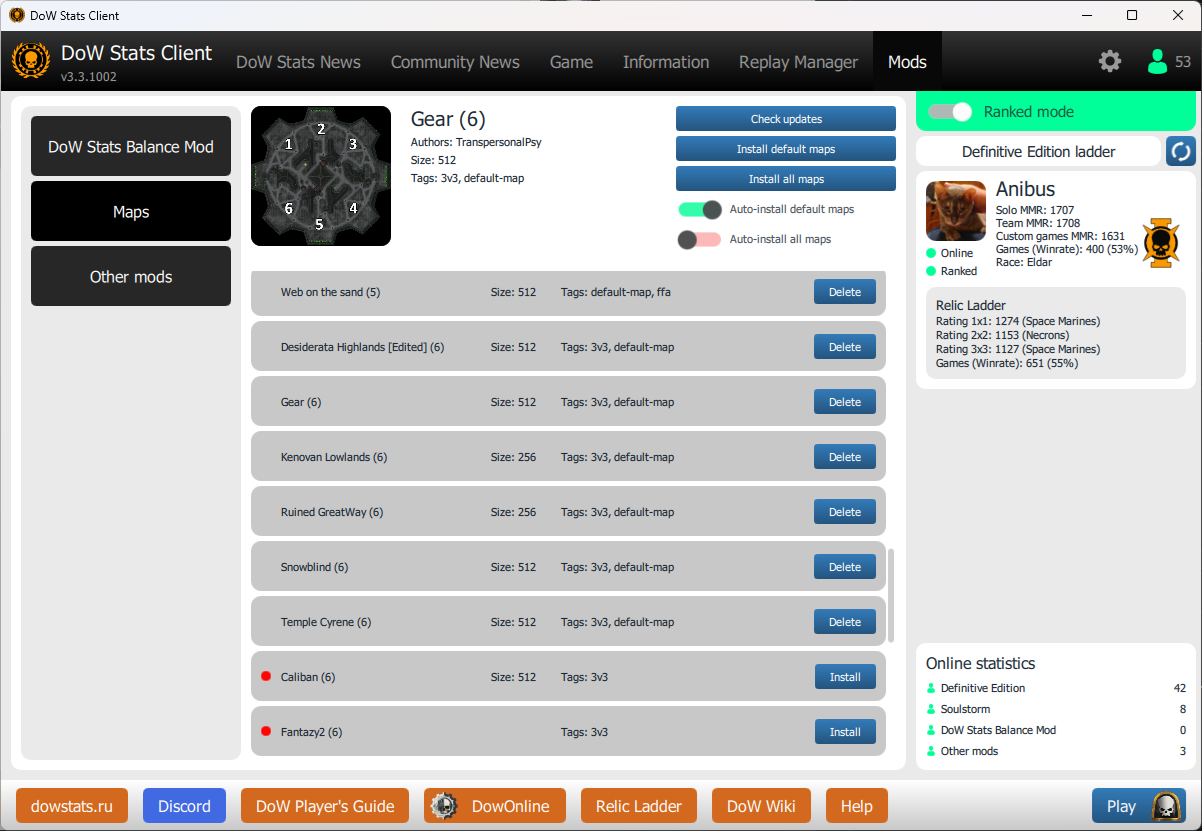
Download maps made by the community
In order to take part in collecting statistics for the game Dawn of War: Definitive edition, you need: